 Project details
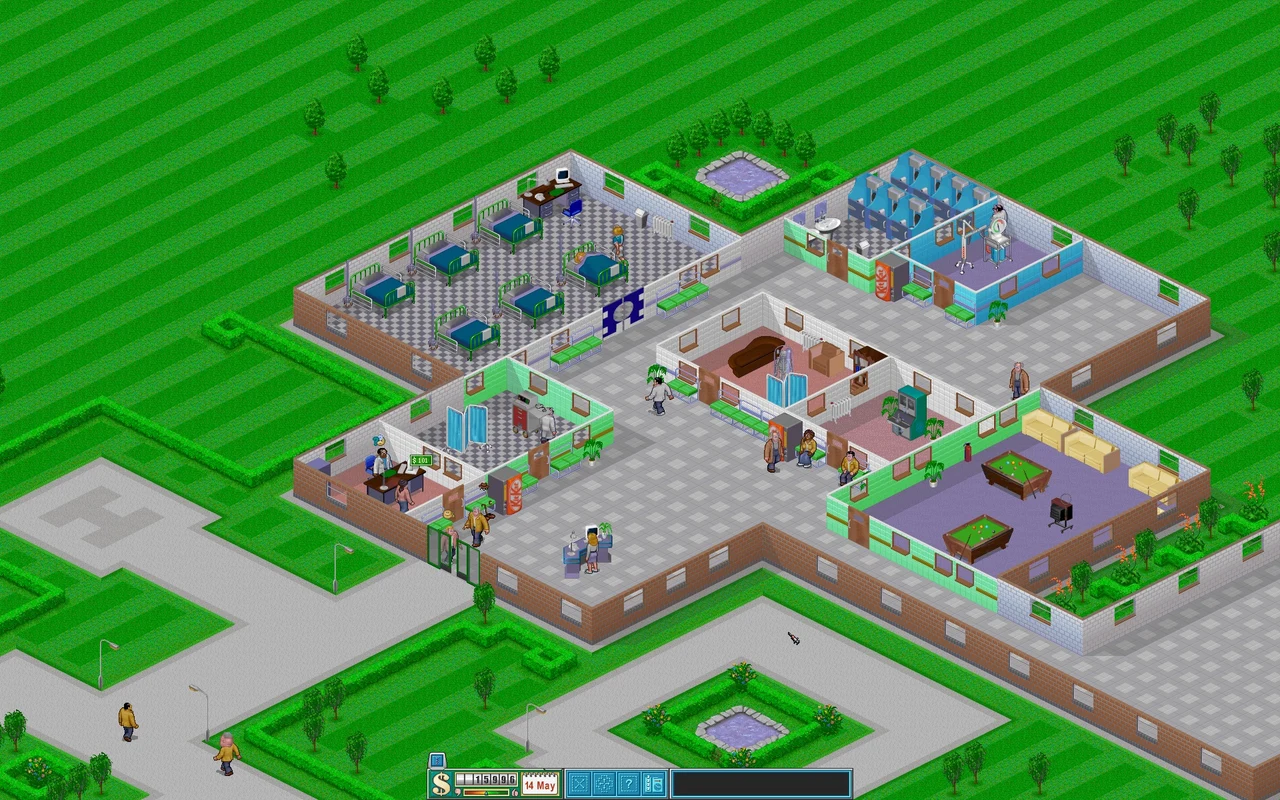
Get started
Start Theme Hospital with CorsixTH
Install the free engine, then point it to your Theme Hospital data. The demo provides only a limited introduction.
Project details
What you need
Use your owned Theme Hospital CD or digital installation. Copy the CD's HOSP folder, including Data, QData and Levels. Without the full game, use only the demo linked by the official Getting Started guide.
Your first launch
Install CorsixTH
Open the official 0.70.1 release and choose the package for your computer. Follow the installer or package instructions, then open CorsixTH.
Locate the game folder
Use HOSP from the CD or your digital installation's data folder. On Mac, the official GOG guide describes copying Contents/Resources/game from the installed Theme Hospital app to a convenient folder.
Select your data
At first launch, browse to that folder. CorsixTH highlights a recognized directory in green; select it and confirm. Keep the data in that location.
Before you continue
Official documentation checked on 19 October 2026; not installation or gameplay tested. The demo has one level and omits most management screens. CorsixTH's free engine does not grant ownership of the full original assets.
Official instructions
Documentation checked

Based on official sources. RemakeList has not run these projects or verified their performance on your device.