 Back to directory
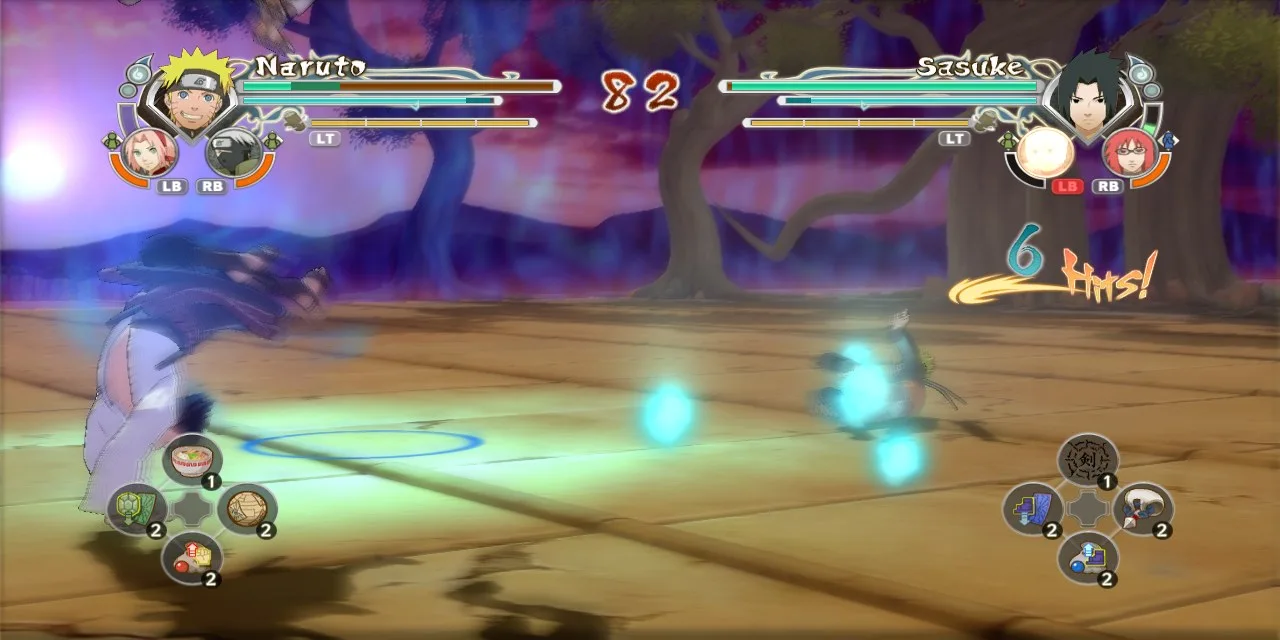
An Android and PC port of Ultimate Ninja Storm Generations for user-supplied Xbox 360 files, with adjustable touch and graphics settings. Published performance is device-specific.
Before you start
- Platform
- Android 11+ ARM64 / Windows 10–11 x64
- How to start
- Download
- Game files
- Bring game files
File requirements
Bring your own lawfully obtained Xbox 360 · NTSC-U · 4E4D0842 · v0.0.0.5 · default.xex SHA-1: 644359009af057b70fbdb0d48604222141416729. The project is free to access; the original game is separate. No game files, keys or ready-to-play packages are supplied here.
Based on public documentation; full builds and playthroughs have not been tested. Project documentation 
Choose the right download
Allow about 6 GB for the game. Supply your own Xbox 360 NTSC-U release: Title ID 4E4D0842, executable v0.0.0.5. PAL files are unsupported.
- Android
- v0.4.11 APK. Requires Android 11+ ARM64 and Vulkan 1.1.
- Windows
- Separate v0.3.5 ZIP, linked below; the latest Android release has no Windows archive. Requires Windows 10 64-bit, AVX and Vulkan 1.1.
Import your game files
If the executable check fails, compare your own game version with the required version and SHA-1 shown above before retrying.
- Install the Android APK, or extract the complete Windows ZIP and run NarutoStormGenerations.exe.
- Copy your complete extracted game folder, including default.xex and data. Choose “ESCOLHER PASTA” and select the folder containing default.xex. On Android, grant the file access requested by the port.
- Press “JOGAR”. Keep Windows saves and settings from the port’s own folder when updating; they are separate from the original game files.
Platform downloads and instructions
Release files and instructions checked on 2 November 2026. RemakeList has not installed or played this port. Project code is closed source; original game assets and third-party component licenses remain separate.
What it recreates
Uses native port or compatibility code while retaining the original game’s content requirements.
What’s different
Adjustable touch controls and graphics options.
What you can use today
Android uses v0.4.11; Windows remains on v0.3.5. Android updates can be installed over the existing app to retain its selected folder, saves and settings. Game logic stays at 30 fps; initial shader preparation can cause stutter. Device-specific reports do not guarantee performance on all hardware. Project code is closed source; original assets and third-party component licenses remain separate. Downloads contain no original game assets. RemakeList has not installed or played it.
Sources & notesSources checked:
Checked the author’s README, v0.3.5 release and third-party notices on 25 October 2026. The author identifies the project as closed source; the public repository provides documentation and releases. RemakeList has not built, installed or played it.
Project documentation Project documentation Official setup and current status · Third-party component licenses · Author screenshots and project evidence 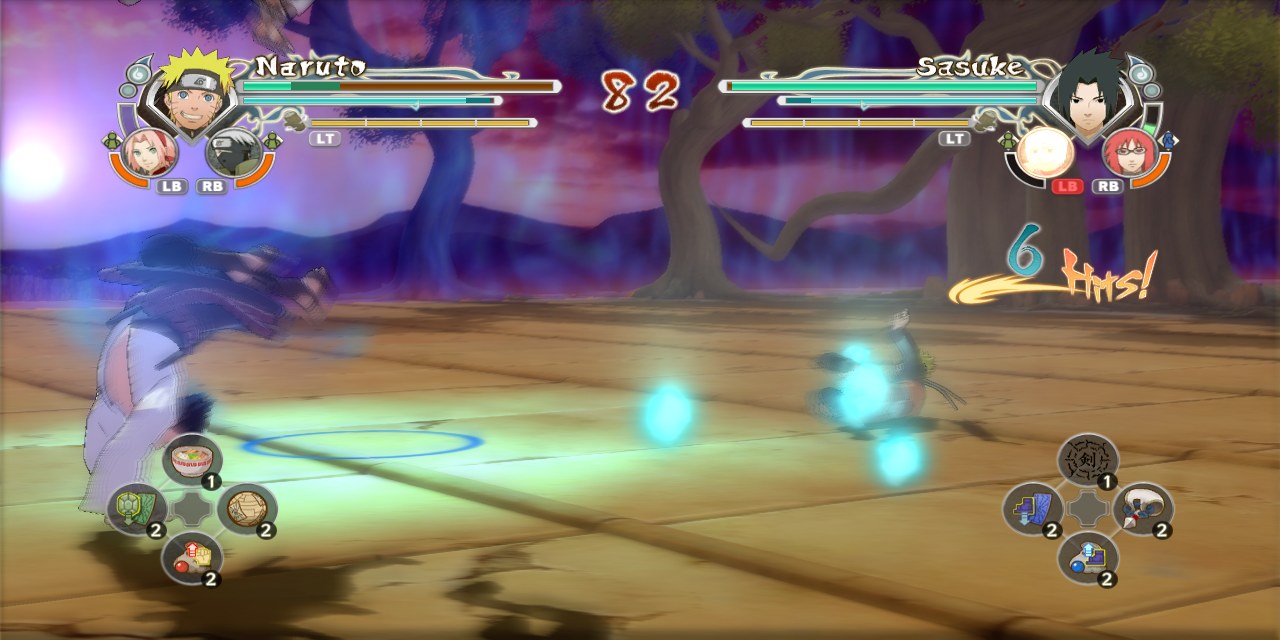
Sources checked: 2026-10-29 · Based on public documentation; full builds and playthroughs have not been tested.
Also worth a look
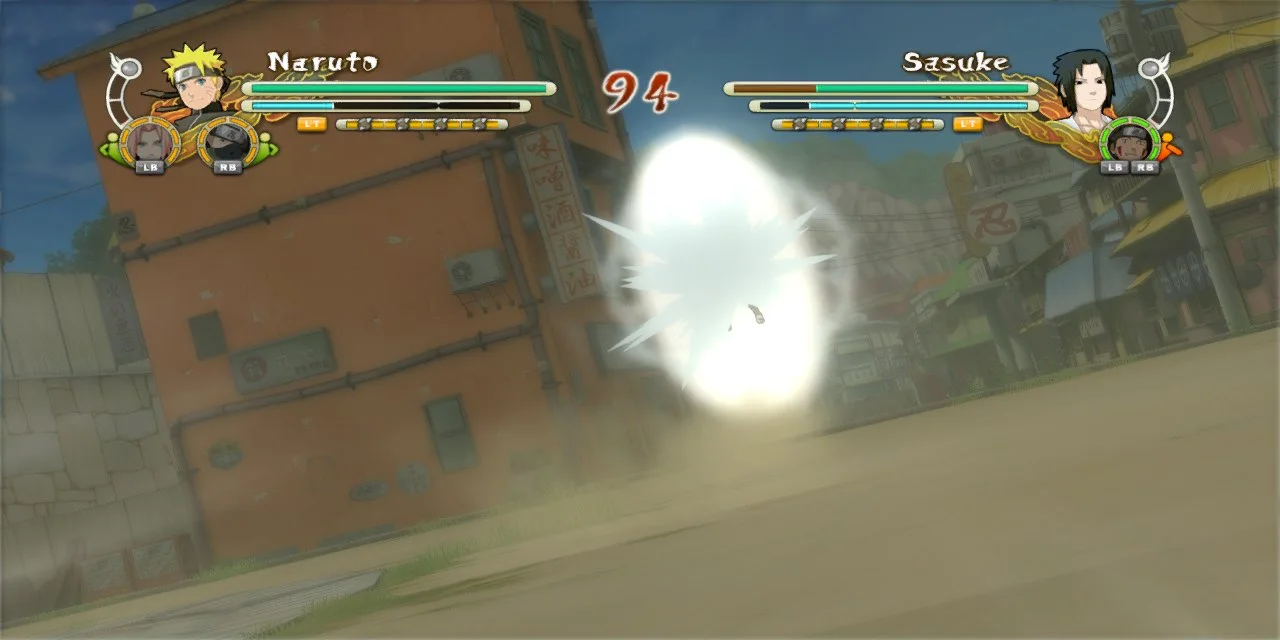
Naruto Storm 3 Full Burst Native Port
Naruto Shippuden: Ultimate Ninja Storm 3 Full Burst