 Project details
Get started
Start OpenTTD on a Mac
Install the stable build and free graphics; no original Transport Tycoon Deluxe files are needed.
Project details
What you need
A Mac compatible with the official download and an internet connection for the initial graphics download.
Your first launch
Install the macOS build
Open the official stable download page and choose the macOS disk image. Open it, copy its files to an OpenTTD folder on your Mac, then launch OpenTTD.
Get the free base graphics
Accept the first-launch graphics download. The official guide currently uses OpenGFX2; OpenGFX is another option. OpenSFX sound and OpenMSX music are optional downloads through Check Online Content.
Create your first world
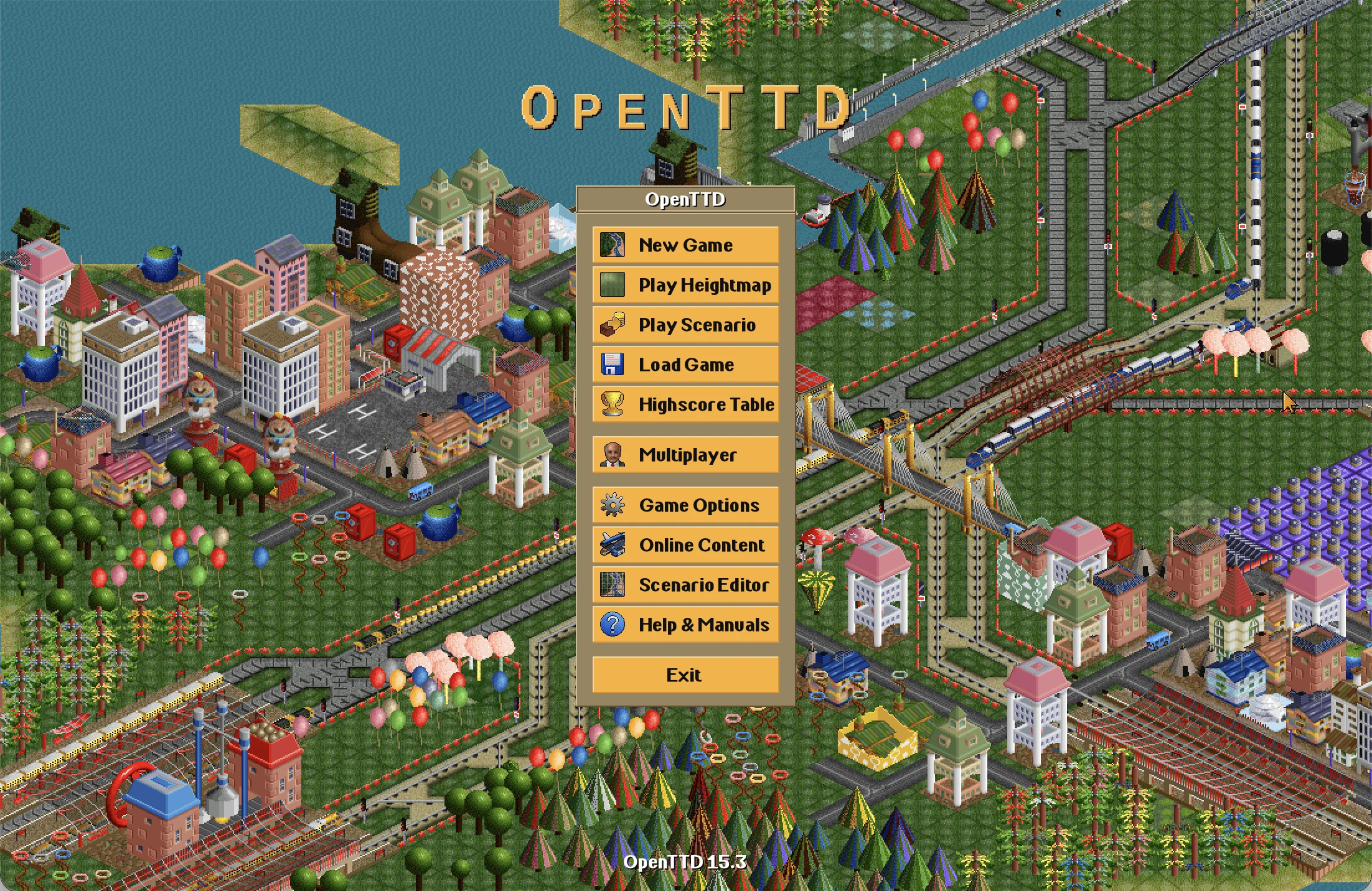
Choose New Game, keep the default world settings and select Generate. Follow the official bus-service tutorial to build your first route.
Before you continue
This guide was checked against official documentation, not a local play session. Base graphics are required; sound and music are optional. Original commercial assets are unnecessary for this route.
Official instructions
Documentation checked
- Official stable macOS download

- Official installation and free base sets
- Official first-game tutorial
Based on official sources. RemakeList has not run these projects or verified their performance on your device.