 Project details
Get started
Start ScummVM with a free adventure
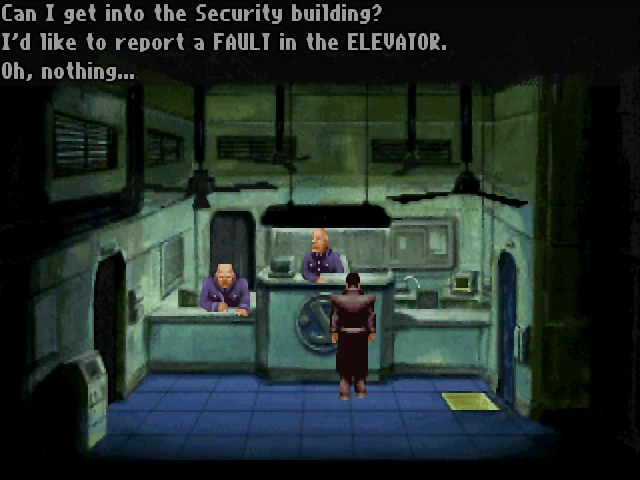
Use the official freeware edition of Beneath a Steel Sky for a first game, or add a supported game you already own.
Project details
What you need
Download Beneath a Steel Sky's Freeware CD Version from ScummVM's official Games page and extract the ZIP. Keep its files together in a permanent folder. For another game, check its supported version and required data files first.
Your first launch
Install ScummVM
Choose your desktop package from the official downloads. Windows: run the installer. Mac: open the disk image and drag ScummVM into Applications. Linux: use the official documentation's package route; Flatpak users should keep game data in Documents.
Add the extracted game
Open ScummVM and choose Add Game. Browse to the folder containing the extracted game files, then choose that folder. Select the correct version if several are detected, and confirm the game options.
Launch from the library
Select Beneath a Steel Sky in the launcher and choose Start. Keep its data folder in place. Add your other supported games the same way after preparing their required files.
Before you continue
Official documentation checked on 19 October 2026; not installation or gameplay tested. The free Beneath a Steel Sky download is a specific authorized route, not permission to download every supported commercial game. Select extracted data, not a ZIP or installer.
Official instructions
Documentation checked
- Official ScummVM downloads

- Official freeware game downloads
- Windows, Mac and Linux installation
- Add Game and Start instructions
- Preparing files from owned games
Based on official sources. RemakeList has not run these projects or verified their performance on your device.