 Project details
Get started
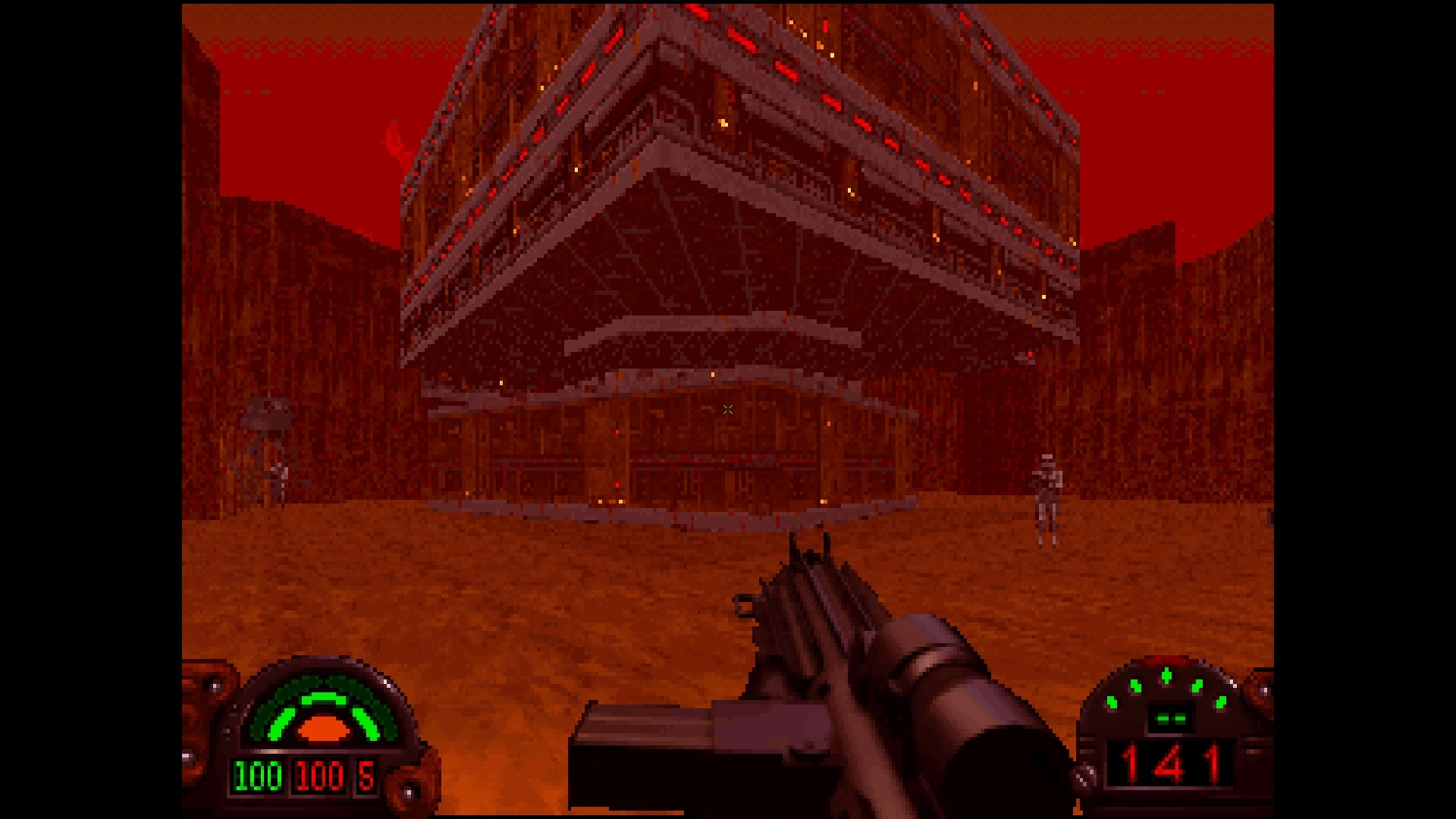
Start Dark Forces with The Force Engine
Install the free Windows engine, then point it at your purchased Dark Forces data.
Project details
What you need
A Windows PC with OpenGL 3.3 support and your installed copy of Dark Forces, such as a Steam or GOG purchase. The engine does not supply the original game.
Your first launch
Download and extract the Windows build
Open the official 1.22.420 release and download TheForceEngine-v1.22.420.zip. Extract it into its own folder, then run TheForceEngine.exe.
Locate your game data
The engine tries to detect Steam and GOG installations. If it does not find yours, open Settings > Game, then use Browse under Game Source Data to select the original game-data directory. Follow the file names shown by the dialog.
Configure and start Dark Forces
Choose Dark Forces, adjust Graphics and Input if needed, then return to the main menu and select Start. If the Windows executable cannot start, consult the official troubleshooting section, including its x64 Visual C++ runtime requirement.
Before you continue
Documentation checked on 2026-10-19; RemakeList has not installed or played the game. Linux users can follow the README’s recommended Flathub route; macOS users need its source-build instructions. Outlaws is not playable in this release.
Official instructions
Documentation checked
- Official 1.22.420 Windows release

- Official installation and data-directory guide
- Linux Flathub and macOS build instructions
Based on official sources. RemakeList has not run these projects or verified their performance on your device.