 Back to directory
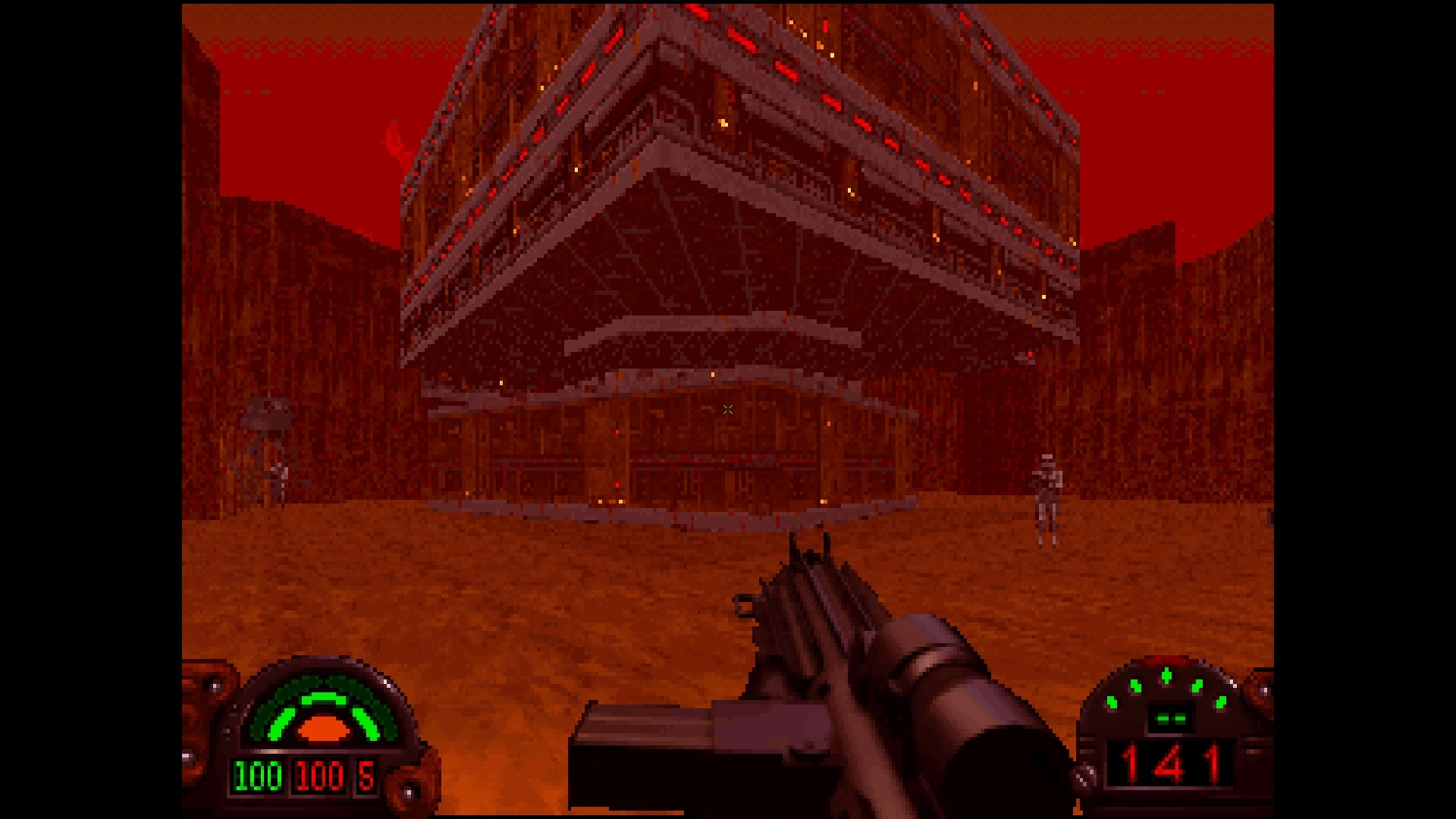
Play Dark Forces with widescreen, modern mouse controls, quick saves and support for its original community mods.
Before you start
- Platform
- Windows / Linux · macOS source build
- How to start
- Download
- Game files
- Bring game files
File requirements
Provide your purchased Dark Forces installation. The engine attempts to detect Steam and GOG installations; otherwise select the game-data directory in Settings > Game. The engine license does not include the commercial game files.
Based on public documentation; full builds and playthroughs have not been tested. Project documentation 

What it recreates
Rebuilds the Jedi Engine through reverse engineering, replacing the original executable while reading your Dark Forces game data.
What’s different
Adds optional modern controls, GPU rendering and a mod loader while retaining the original game. Outlaws support is planned but is not playable in this release.
What you can use today
Official 1.22.420 Windows ZIP is available. The current README recommends Flathub for Linux and documents source builds for macOS. A ready-to-install official Mac package was not established.
Sources & notesSources checked:
The official repository documents supported systems, code licensing and original-data requirements. Release 1.22.420 supplies the Windows package; the official Media page publishes actual gameplay screenshots.
Source Project documentation Official Windows release · Official setup and game-data selection · Linux Flatpak and macOS source build · Author-published gameplay gallery Sources checked: 2026-10-19 · Based on public documentation; full builds and playthroughs have not been tested.